Treatments
Manage the clinic's catalog of procedures: search, categories, prices, quick add, and import of the suggested catalog.
Updated on September 21, 2026The treatment catalog
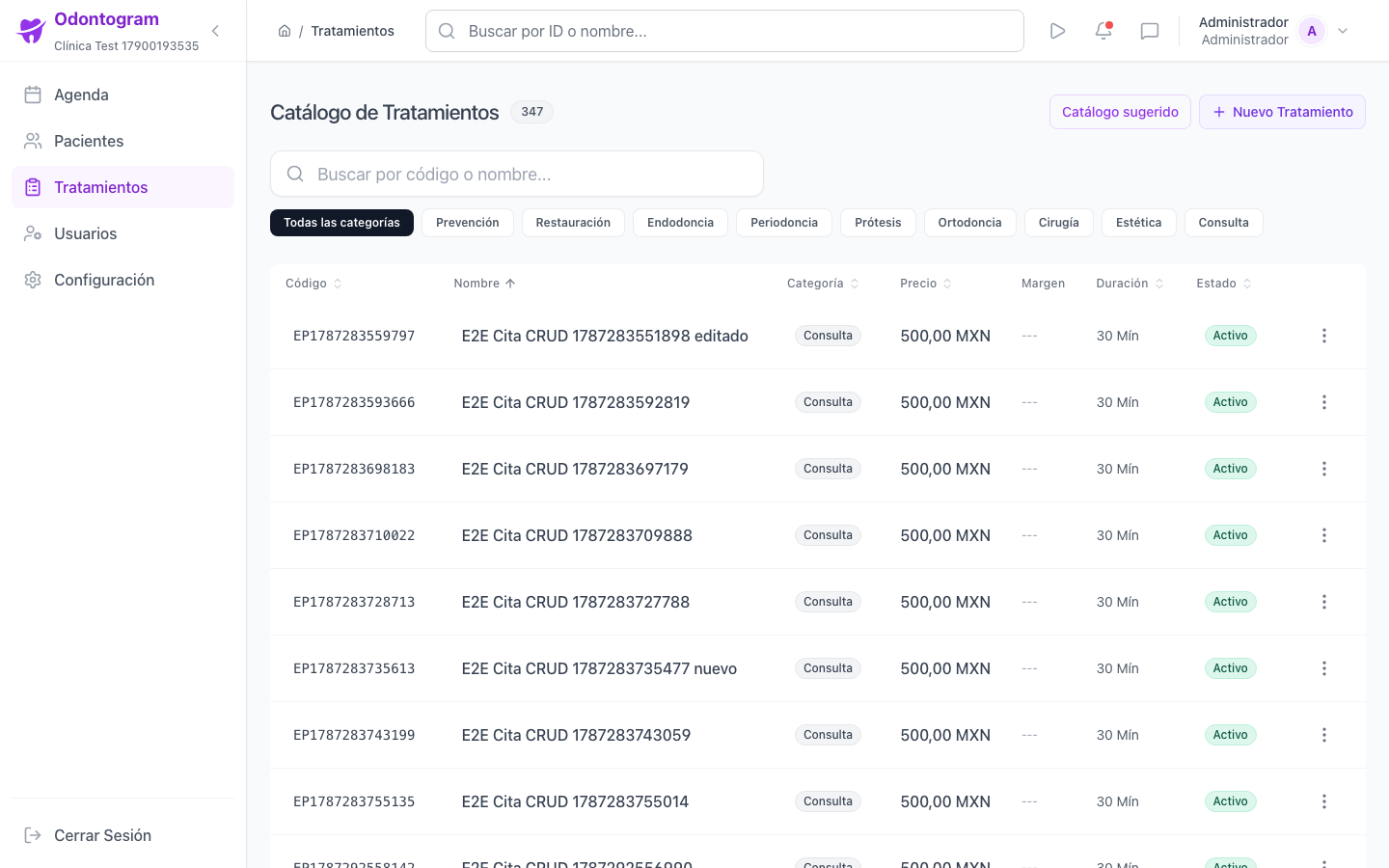
The catalog (`/treatments`) defines the procedures you can use in appointments and treatment plans. Each treatment has a code, name, category, duration, price, cost, and minimum price, plus clinical flags such as requiring a tooth or a surface.
Keeping the catalog tidy speeds up appointment creation and plan quoting.
Search and filter
The search box accepts the treatment code or name. Category filters narrow the list by type of procedure.
- Preventive, Restorative, Endodontics, and Periodontics.
- Prosthesis, Orthodontics, Surgery, and Aesthetics.
- Consultation and Other, for procedures that do not fit the previous categories.
Create a treatment
The creation form (`/treatments/new`) groups the fields into basic information, clinical parameters, profitability, and notes.
- Enter a code and name; you can use Suggest automatic code.
- Select the category and the estimated duration in minutes.
- Set the price, cost, and minimum price, and review the profit margin.
- Mark whether it requires selecting a tooth or a dental surface.
- Add clinical notes and save the treatment.
Tip
Watch the margin indicator: Odontogram warns you when the margin is tight or when the cost equals or exceeds the price.
Quick add from the list
If you only need the essentials, the list offers a quick add form that asks for name, price, duration, and category. The code is generated automatically if you leave it empty, and you can use Save and add another to enter several in a row.
Information
From quick add you can open More options to complete the full form without losing what you have already entered.
Edit, duplicate, and delete
Each row of the catalog lets you view the detail, edit, and duplicate the treatment to create variants without re-entering everything. You can also delete procedures you no longer offer.
Import the suggested catalog
If your catalog is empty or you want to start from a base, you can import treatments from your country's general catalog (`/treatments/import`).
- Open the suggested catalog and search by code or name.
- Select the treatments you want to bring in, individually or all visible ones.
- Adjust the price, cost, and duration of each selected treatment.
- Review the total price and duration, and press Import selection.
- Confirm the import and review the summary of added and skipped items.
Warning
Treatments that already exist in your catalog are skipped automatically to avoid duplicate codes.
Treatments on mobile
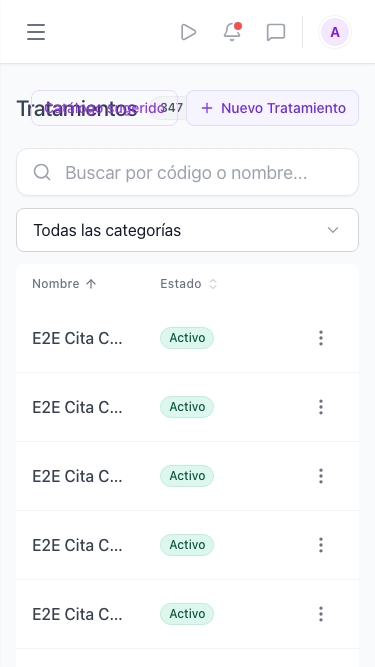
On mobile the catalog shows each treatment as a card with its price and category, and keeps the search box and main actions.