Settings
Adjust the clinic details, your preferences, notifications, security, roles, and subscription plan.
Updated on September 21, 2026The settings hub
Settings (`/settings`) brings together everything that defines how Odontogram works for your clinic and your account. From here you manage the clinic information, your personal preferences, notifications, security, roles, subscription, and the audit log.
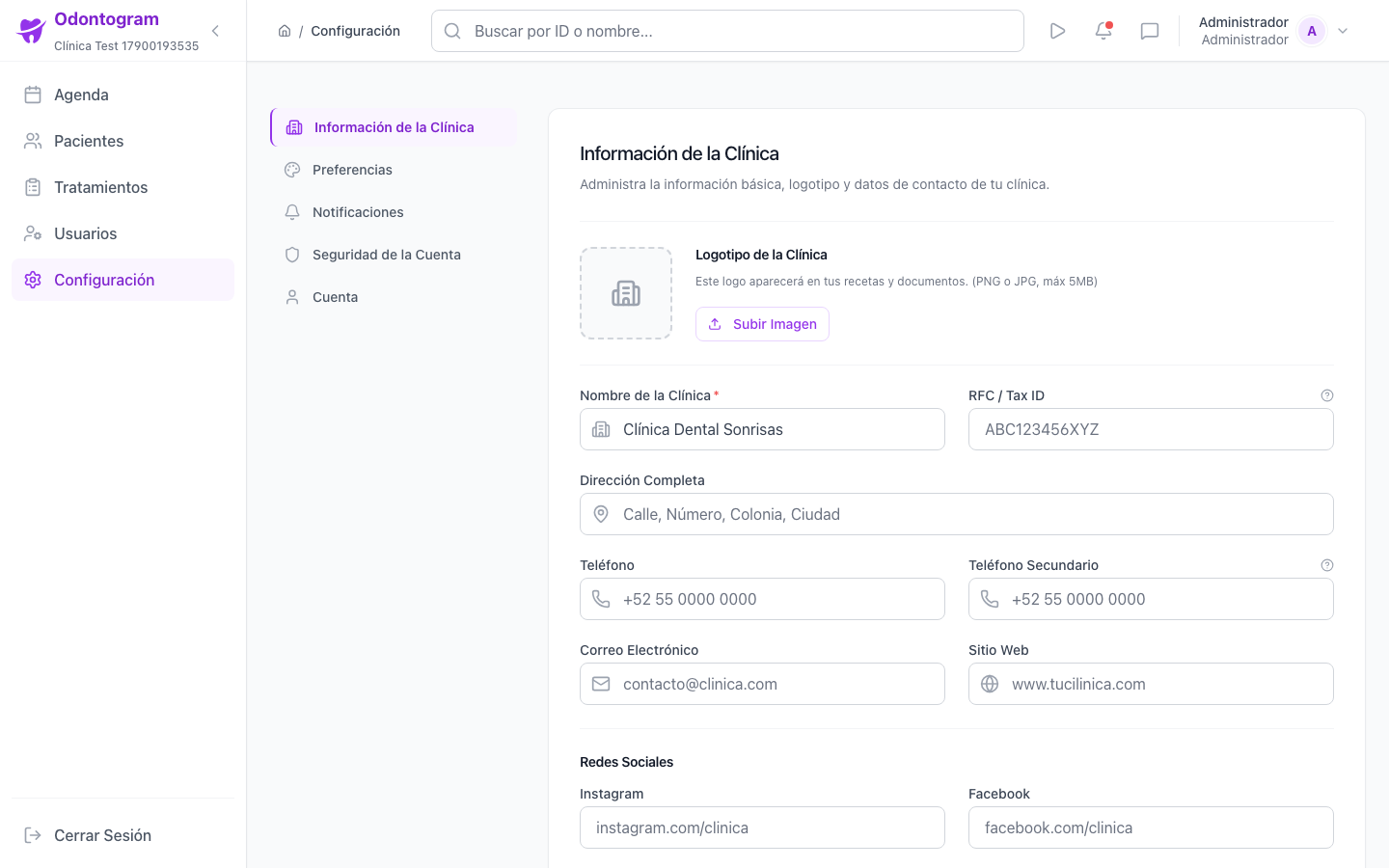
Clinic information
The Clinic section holds the business identity and operational details. The logo you upload appears on prescriptions and documents, and the opening hours feed the agenda.
- Contact details: name, address, phones, email, and website.
- Tax registration (RFC / Tax ID) for billing.
- The clinic's social networks.
- Opening hours by periods, with closed days.
- Regional preferences: currency and date format.
Tip
Complete the opening hours before scheduling: they define the availability shown in the agenda.
Preferences and notifications
Preferences (`/settings/preferences`) personalize your experience: language, time zone, dark mode, date and time format, first day of the week, initial calendar view, table density, and results per page.
Notifications (`/settings/notifications`) define how and when we alert you, with email and push channels, events such as new appointments, cancellations, and a daily summary, plus quiet hours.
Information
Quiet hours only pause push notifications; emails are still sent according to each event's configuration.
Account security
From Security (`/settings/security`) you enable Two-Factor Authentication (2FA) and review your access methods. You can choose between receiving codes by email or using an authenticator app such as Google Authenticator or Authy.
Roles and audit log
Roles (`/settings/roles`) defines what each type of user can do, with granular permissions per role. The Audit Log (`/settings/audit-log`) shows the history of critical actions with user, action, resource, date, and detail.
Subscription and usage
The subscription section (`/settings/subscription`) shows your current plan, the renewal date, and resource usage: storage, users, emails, patients, and active appointments. It also lets you upgrade your plan, manage manual payment by transfer, and cancel the subscription.
Warning
When you cancel, your plan stays active until the end of the cycle; after that you lose access to the associated benefits.
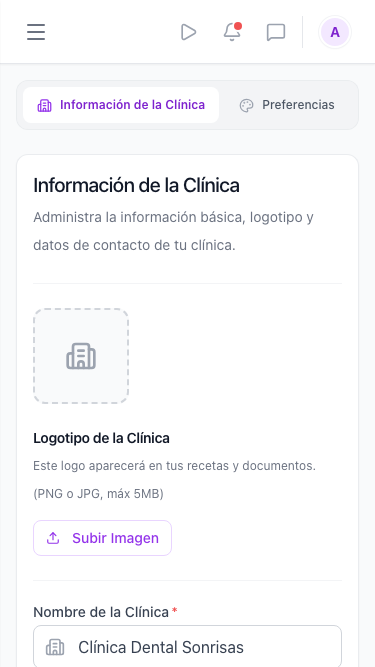
Settings on mobile
On mobile the settings are organized into a list of sections so you can quickly reach each option from your phone.